Harko
Harko is an AI assistant that does the online work of your business: it drafts your posts and replies, keeps an eye on what changes, runs routine tasks on a schedule — and asks you before anything goes out.
On the web and in the Harko app. Harko Cloud starts when you sign in — nothing to install.

Create · Publish · Reply
- 01
Create
Posts, captions and images, written in your brand's voice.
- 02
Publish
Ready at the time you set — and nothing goes out until you approve it.
- 03
Reply
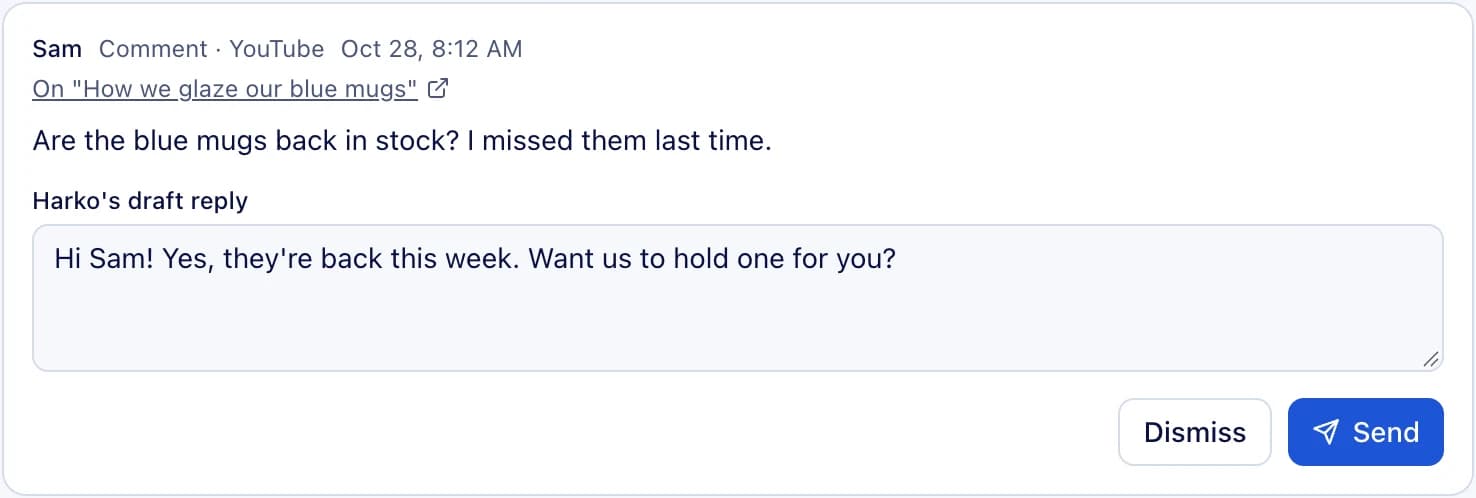
Comments arrive with a drafted reply; you send it with one tap, or edit it first.
Nothing leaves without your OK.
Every post, reply and change Harko wants to make waits in your Inbox, shown exactly as it will go out. Send it, edit it, or dismiss it.
01Asks first
Sending, posting and deleting wait for your approval, one at a time.
02Read only or allow changes
Account by account, you choose what Harko may only read and what it may change.
03You decide what runs on its own
Scheduled tasks are listed in plain words; pause or run any of them whenever you like.
What Harko does for you
Content
Posts, captions and images, in your brand's voice.
Inbox
Customer comments with a drafted reply, and every approval Harko needs from you.
Business
What changed since yesterday, and news that matters to your trade, with its sources.
Scheduled tasks
A morning briefing, a weekly plan, a reminder — set it once and it runs on time.
Library
Documents, slides, sheets and pages Harko makes, kept for you to open and download.
Talk or type
Voice, pictures and files in the chat — on the web in 12 languages.
Open it anywhere.
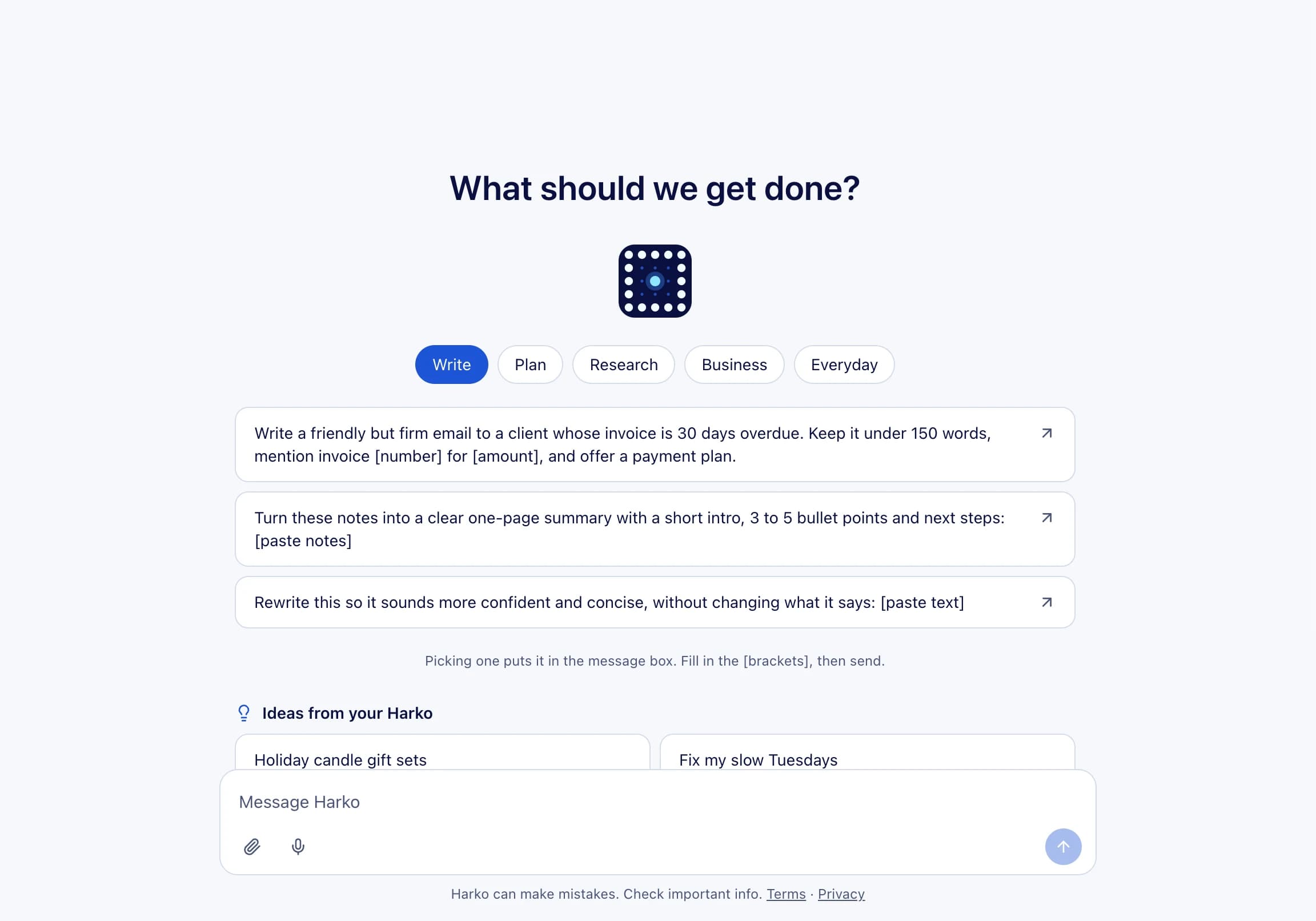
The same Harko in your browser and in the app: your chats, tasks and files in one place.

Harko Cloud or a Harko box
The same Harko and the same app. Start in the cloud; add a box when you want it.
Harko Cloud
- Starts when you sign in — nothing to install
- Free to start; see the plans below
Harko box
- A small box on your store's network, installed by us
- Adds platforms that have no public API
- The box is priced separately — see the Store


Start free. Upgrade when Harko takes on more.
Every plan includes chat, images and video. Plans differ in how many stores Harko works for and how much it can do at once.
Free
- Harko Cloud, per month
- $0
- With a Harko box, per month
- $0
- Paid yearly (2 months free)
- —
- Stores
- 1
Starter
- Harko Cloud, per month
- $49
- With a Harko box, per month
- —
- Paid yearly (2 months free)
- $490
- Stores
- 1
Standard
- Harko Cloud, per month
- $169
- With a Harko box, per month
- $149
- Paid yearly (2 months free)
- $1,690 · box $1,490
- Stores
- 3
Flagship
- Harko Cloud, per month
- $399
- With a Harko box, per month
- $379
- Paid yearly (2 months free)
- $3,990 · box $3,790
- Stores
- 10
Enterprise
- Harko Cloud, per month
- Contact us
- With a Harko box, per month
- Contact us
- Paid yearly (2 months free)
- —
- Stores
- As agreed
Prices in US dollars. Paid plans renew automatically each month or year until you cancel; you can cancel online at any time. Taxes may apply. Plans are bought with your Harko account on AnyModel, the Jelly Drops platform. The free plan needs no card.
Works with your accounts
Connect today
YouTube Microsoft 365 Notion Klaviyo GitHub
Coming next
Shopify Square Etsy Google Drive Gmail Instagram Facebook Threads TikTok
Each waits on the platform's review or launch.
How to start
Sign in
On the web or in the Harko app. Harko Cloud starts for you.
Connect your accounts
Each one read only or with changes — your choice.
Hand it the first job
Ask in plain words. Harko does the work and brings you anything that needs your OK.